Run Android apps on Mac even if they say “Android only.” This guide shows you how to use Android apps on macOS without heavy emulators.
Many people simply search:
- android apps on mac
- run apk on mac
- use android apps on macbook
- android on mac without emulator
If that’s you, this guide is exactly what you need.
In this tutorial, you’ll learn how to run Android apps on Mac without using heavy emulators, using fast, free, and practical methods that work on modern macOS, including macOS Sequoia.
Why Android Apps Don’t Run on Mac by Default
Android apps are made for phones and tablets.
macOS is a completely different system.
That’s why:
- APK files don’t open
- Play Store apps won’t install
- Android tools don’t run natively on Mac
But that doesn’t mean it’s impossible.
You just need the right method for your use case.
Many users simply search “android apps on mac” or “run APK on Mac” when they need a mobile-only app on their MacBook.
Method 1: Use Web Versions of Android Apps (Fastest)
Many popular Android apps already have powerful web versions:
| Android App | How to Use on Mac |
|---|---|
| web.whatsapp.com | |
| Telegram | web.telegram.org |
| instagram.com | |
| facebook.com | |
| Google Drive | drive.google.com |
| Gmail | mail.google.com |
| YouTube | youtube.com |
| Notion | notion.so |
| Canva | canva.com |
You can open these in Chrome or Safari and “Install as App” or pin them to your Dock.
This method is perfect for:
- Messaging
- Social media
- Office tools
- Daily productivity
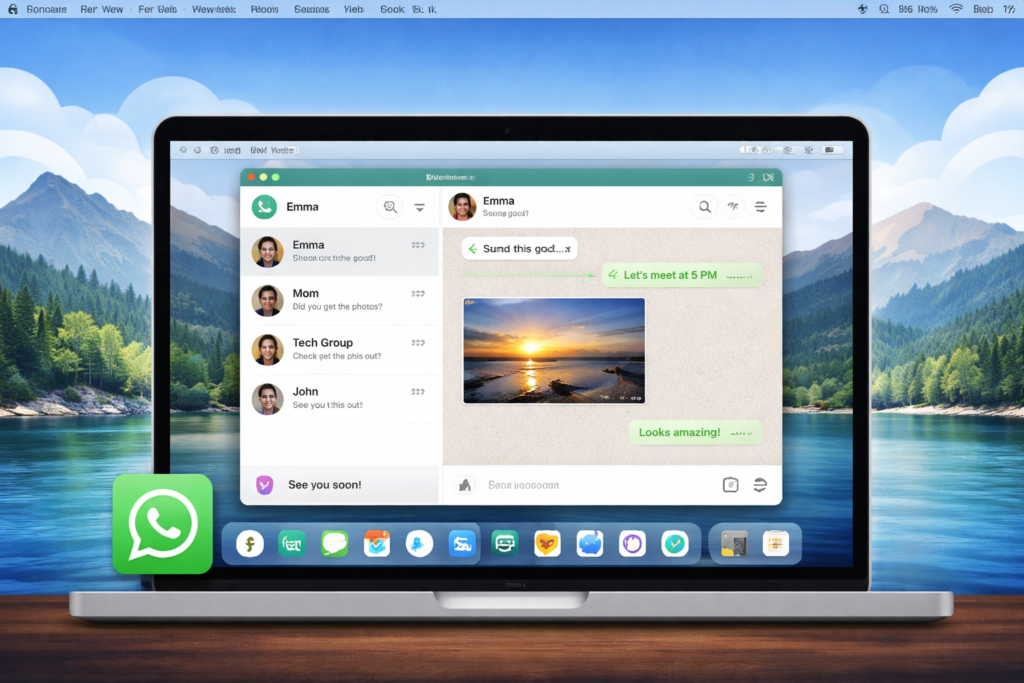
This is the fastest and lightest method.
Best for:
- Messaging apps
- Social apps
- Cloud-based tools
- Daily usage
Method 2: How to Run Android Apps on Mac Without Emulator
This method uses Google’s official tools.
You install Android Studio and run apps using its built-in system.
Steps:
- Install Android Studio
- Create a virtual Android device
- Load your APK file
- Run the app inside the environment
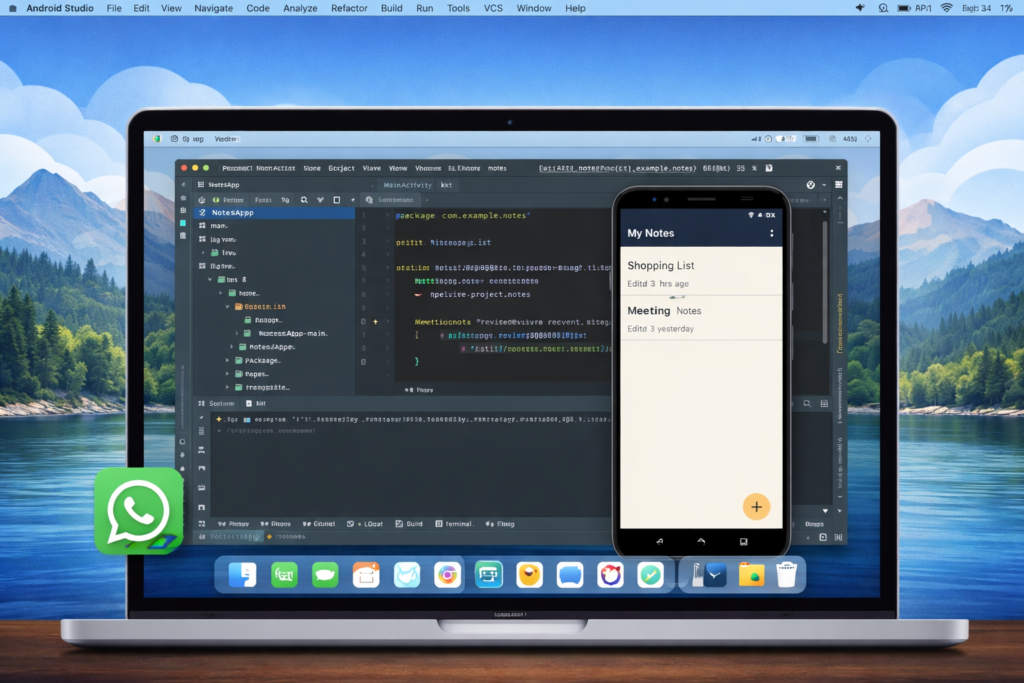
This is not like Bluestacks.
It’s lighter, cleaner, and made by Google.
These apps are better suited for Android Studio:
| Type of App | Examples |
|---|---|
| Utility APKs | File managers, scanners, tools |
| Developer apps | Test builds, beta apps |
| Region-locked apps | Apps not available on web |
| Banking test apps | For demo & development |
| Android App | Why This Method Fits |
|---|---|
| Split APK Installer (SAI) builds | Test and install complex APK bundles |
| Banking demo apps (test builds) | Often shared as APK by developers |
| Government apps (regional) | Many have no web version |
| Custom ROM tools | APK-only utilities |
| App clones / mod tools | Not available on Play Store |
| In-house company apps | Shared internally as APK |
| Old Android apps | No longer on Play Store |
| Beta builds of apps | Shared via APK by developers |
Use this method when:
- You have an APK file
- The app has no web version
- You want a clean Android environment
Method 3: Use Lightweight Android Containers
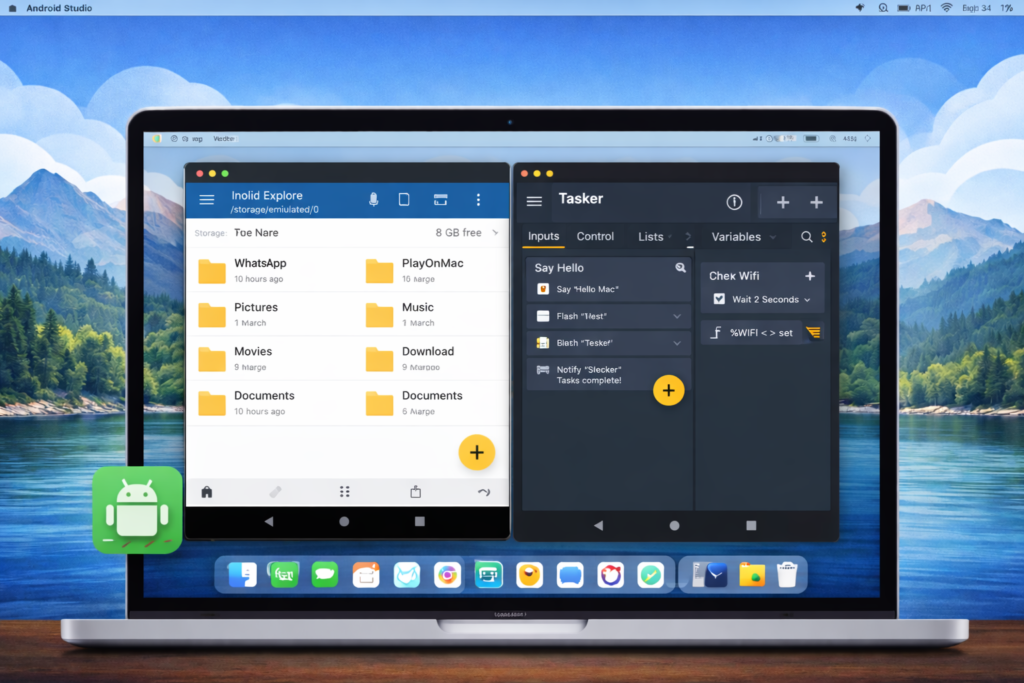
Some tools allow Android to run in a container instead of a full emulator.
These are:
- Faster than Bluestacks
- Lighter on RAM
- More stable
They behave like a “bridge” between Android and macOS.
| Android App Type | Real Examples |
|---|---|
| Automation tools | Tasker-based tools |
| Clipboard sync apps | Join, Pushbullet |
| File manager tools | Solid Explorer, MiXplorer |
| IoT & smart-home apps | Tuya, Smart Life |
| Remote control apps | Unified Remote |
| Device companion apps | Router apps, printer tools |
| Monitoring tools | Network analyzers |
| Utility dashboards | System tools, panels |
Best for:
- Power users
- Utility apps
- Background tools
- Automation
Which Method Should You Choose?
| Your Need | Best Method |
|---|---|
| Chat & social apps | Web versions |
| APK testing | Android Studio |
| Power tools | Lightweight containers |
| No heavy load | Web method |
If you only need everyday apps, the web method is more than enough.
These methods let you use Android apps on Mac without Bluestacks or heavy emulators.
Common Problems & Fixes
APK won’t open on Mac
→ Use Android Studio or container method
App needs Play Services
→ Use Android Studio environment
Lag or slow performance
→ Avoid heavy emulators
App not available on web
→ Use APK method
Frequently Asked Questions (FAQ)
Can I really run Android apps on Mac without an emulator?
Yes. You don’t always need heavy tools like Bluestacks.
Many Android apps already work through web versions, and others can run using Android Studio or lightweight Android environments.
Can I install APK files directly on Mac?
No. APK files are made for Android, not macOS.
To use them on Mac, you need an Android environment like Android Studio or a lightweight Android container.
Which Android apps work best on Mac?
Apps that depend on the internet or cloud services work best on Mac using their web versions.
For APK-only tools, Android Studio or container methods are better.
Is Bluestacks necessary to run Android apps on Mac?
No. Bluestacks is heavy and uses a lot of RAM.
This guide focuses on faster, lighter, and cleaner alternatives.
Will these methods work on macOS Sequoia?
Yes. These methods are designed to work on modern macOS versions, including macOS Sequoia.
Final Words
You don’t need to install heavy emulators to use Android apps on your Mac.
With the right approach, you can:
- Use Android apps easily
- Avoid lag and crashes
- Save system resources
- Work faster
For Windows apps, see our complete guide:
👉 Run Windows Software on Mac (EXE Files)
On AndroidWithMac.com, we’re also creating dedicated guides for popular Android and Windows apps — showing you exactly how to run each one on macOS.
So if a specific app doesn’t work for you today,
a complete guide for it is coming soon.