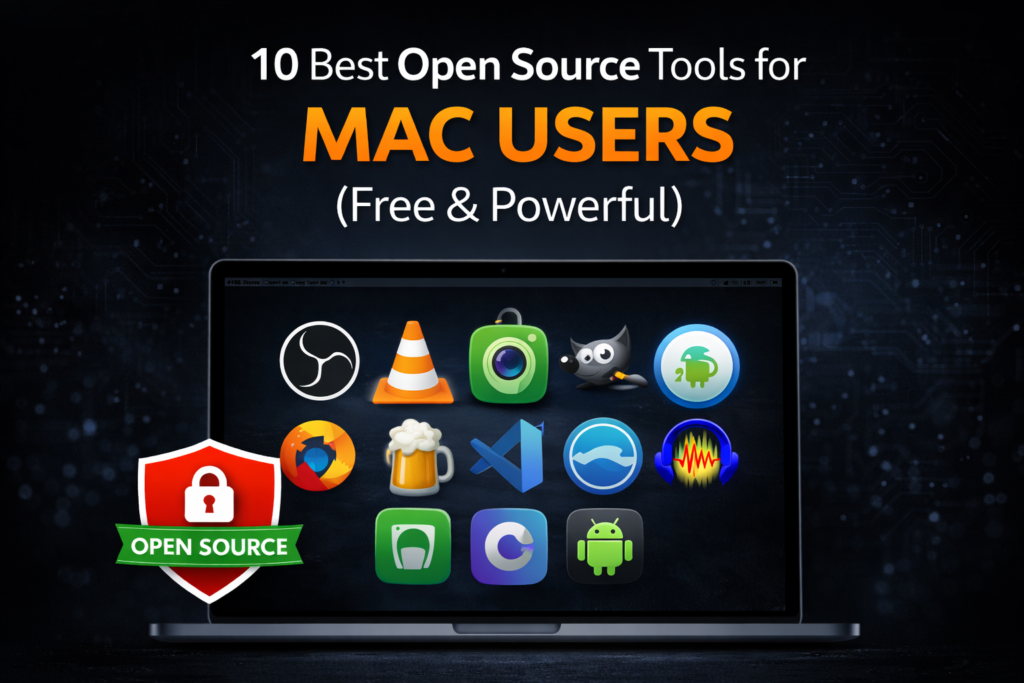
Open source tools for Mac give users free, secure, and powerful alternatives to paid software. Whether you need screen recording, development tools, file syncing, security apps, or creative software, open source Mac apps provide flexibility without subscriptions or lock-in.it also gives you
- Freedom — no subscriptions
- Security — transparent code
- Flexibility — community-driven improvements
- Cross-platform support — works on Windows/Linux too
Whether you’re a student, developer, designer, or power user, the following tools are some of the best open-source utilities you can install on macOS right now — all free, no catch.
Why These Are the Best Open Source Tools for Mac Users
🧑💻 1. OBS Studio – Open Source Screen Recording Tool for Mac
🌐 Official: https://obsproject.com/
What it does:
Open Broadcaster Software (OBS) is the #1 open-source tool for screen recording and live streaming.OBS Studio is one of the best open source tools for Mac if you create tutorials or YouTube videos.
Why it’s great on Mac:
- Record full screen or specific windows
- Add webcam + microphone
- Ideal for tutorials, lectures, game clips
- No watermark, no time limits
Best for: Recording, content creators, screen demos
📁 2. VLC Media Player – Open Source Media App for Mac
🌐 Official: https://www.videolan.org/vlc/
What it does:
VLC is the most popular open-source media player that supports almost every audio/video format.
Why it’s great on Mac:
- Plays any media format
- Can record your screen
- No codec downloads needed
Best for: Playbacks, media conversions, quick screen recording
📸 3. Kap – Open Source Screen Recorder + Gif Recorder for macOS
🌐 Official: https://getkap.co/
What it does:
Kap is a lightweight open-source tool for recording screen snippets or turning recordings into GIFs.
Why it’s great:
- Quick captures
- Export to GIF/MP4/WebM
- Clean, beginner-friendly UI
Best for: Short clips, software demos, social media
🛠 4. Homebrew – Open Source Package Manager for Mac
🌐 Official: https://brew.sh/
What it does:
Homebrew is the most trusted package manager for macOS that lets you install open-source apps easily via Terminal.Homebrew powers many of the best open source tools for Mac, making installation simple.
Why it’s great:
- Install apps with a single command
- Keeps tools updated
- Huge open-source library (node, git, python, etc.)
Example installs:
brew install git
brew install python
brew install scrcpy
Best for: Developers and power users
🧠 5. Audacity – Open Source Audio Editing Software for Mac
🌐 Official: https://www.audacityteam.org/
What it does:
Audacity is a professional-grade audio editor used for recording, cutting, mixing, and mastering audio.its a great open source tool for mac.
Why it’s great:
- Supports plugins
- Multi-track editing
- Export to any format
Best for: Podcasters, musicians, editors
📦 6. GIMP — Photoshop Alternative Open Source Image Editing Tool for Mac
🌐 Official: https://www.gimp.org/
What it does:
GIMP is a full-featured, open-source image editor — the best free alternative to Photoshop.
Why it’s great:
- Layers, brushes, filters
- Powerful editing tools
- Huge community support
Best for: Designers, photographers, creators
🔐 7. KeePassXC — Secure Password Manager Open Source Password Manager for Mac
🌐 Official: https://keepassxc.org/
What it does:
KeePassXC is an open-source password manager that stores passwords locally and securely.
Why it’s great:
- AES-256 encryption
- No cloud lock-in
- Easy autofill and organization
Best for: Privacy-conscious Mac users
🔄 8. Syncthing – Open Source File Sync Tool for Mac
🌐 Official: https://syncthing.net/
What it does:
Syncthing syncs files between devices securely over your local network or internet without cloud storage.
Why it’s great:
- Peer-to-peer sync
- Encrypted transfers
- Works with Android, Mac, Linux, Windows
Best for: File syncing without cloud
⚙️ 9. scrcpy – Open Source Android Mirroring Tool for Mac
🌐 Official: https://scrcpy.org/
What it does:
Scrcpy lets you mirror and control your Android phone from your Mac using USB or Wi-Fi.Scrcpy is among the best open source tools for Mac for Android users.
Why it’s great:
- Low latency
- No root required
- Open-source developers love it
Best for: Android ↔ Mac workflows
🧩 10. VSCodium – Open Source Code Editor for Mac
🌐 Official: https://code.visualstudio.com/
NOTE: VS Code is technically MIT-licensed (open source) but built distributions by Microsoft are proprietary. So here’s how to install OSS build instead:
brew install --cask homebrew/cask-versions/vscodium
Why it’s great:
- Extensions galore
- Git built-in
- Light & powerful
Best for: Developers & programmers
📌 Final Tips for Mac Open-Source Tools
✔ Use Homebrew to simplify installations
✔ Always download from official sources only
✔ Pair tools together (e.g., OBS + Audacity for video + audio)
✔ Don’t install from random websites — security risk!
📊 Comparison Table (Helpful for SEO & Readability)
| Tool | Type | Best For |
|---|---|---|
| OBS Studio | Recording/Streaming | Tutorials & video creators |
| VLC | Media | Playback + simple capture |
| Kap | Screen to GIF | Short clips |
| Homebrew | Package Manager | Developers |
| GIMP | Graphics | Image editing |
| Audacity | Audio editing | Podcasters |
| KeePassXC | Security | Password management |
| Syncthing | Sync | Secure file sync |
| scrcpy | Android ↔ Mac | Screen mirroring |
| VSCodium | Editor | Coding |
If you need screen recording tools, see our guide on how to record screen on Mac using built-in and free methods.
For Android and Mac workflows, check our guide on transferring files between Android and Mac free.
Frequently Asked Questions About Best Open Source Tools for Mac
What are the best open source tools for Mac beginners?
Homebrew, VLC, and GIMP are great starting points.
Are open source tools safe for Mac?
Yes. Open source tools are reviewed by developer communities and are generally secure when downloaded from official websites.
Do open source Mac apps work on M1, M2, and M3 Macs?
Most modern open source software fully supports Apple Silicon Macs, including M1, M2, and M3 models.
Is open source software really free?
Yes. Open source software is free to use and modify under its license, with no subscription required.
How do I install open source tools on Mac?
You can download them from official websites or install many of them using Homebrew via Terminal.
These are the best open source tools for Mac users who want powerful software without subscriptions. Whether you’re a developer, designer, or casual user, these tools deliver serious value for free.
Pingback: 3 Easy Ways to Completely Uninstall Apps on Mac (No Leftover Files)